
What Is a Bell County Court Docket
A docket is a chronological list of a case's events and court dates. It tells you what has happened and what is set to happen next. Each entry ties to a date, a court, and the parties. A criminal docket may show an arraignment, a pretrial setting, or a trial date. A civil docket may show a hearing on a motion or a status conference. The docket is the calendar side of a case. It is not the full record. The full file holds the motions, exhibits, orders, and judgments themselves.
That difference matters when you search. The Bell County hearing search returns court dates and settings, not documents. To read what a motion actually said, or to see a signed order, you need the case file from the clerk. Think of the docket as the schedule and the case record as the paperwork. Both come from the same Odyssey system, but each uses a different tool. The Bell County court records page covers the case-file side.
How to Find Bell County Dockets Online
The tool for Bell County court dockets is the Search Hearings tile on the county Odyssey Portal at justice.bellcounty.texas.gov. It searches court hearings for a date range you set. The landing page opens two tiles side by side. Search Hearings finds court dates. Smart Search finds case files. For a docket, pick Search Hearings. The search is free and needs no account. JavaScript and cookies must be on for it to run.
Hearing search asks for more than the case search. You must pick a court location, a hearing type, a search type, and a date range before it will run. The steps below walk through a standard docket lookup.
- Open the Bell County Odyssey Portal and choose Search Hearings.
- Select a court location, such as a numbered district court or All Locations.
- Pick the hearing type and a search type, like Party Name or Case Number.
- Type the search value, then set a date from and a date to in MM/DD/YYYY format.
- Submit and review the hearing rows for date, time, court, and judge.
The county homepage also links District Court Livestream Hearings and Court Dockets as quick links, which point back to the same Odyssey system.
The hearing form uses its own set of fields. The table below lists the inputs the Bell County Search Hearings tool needs.
| Field Label | Type | Required | Notes / Format |
|---|---|---|---|
| Select Location | Dropdown | Yes | Numbered district court, county court at law, JP court, or All Locations. |
| Select Hearing Types | Dropdown | Yes | All Hearing Types for each location is the common default. |
| Select Search Types | Dropdown | Yes | Case Number, Party Name, Business Name, Attorney Name, Attorney Bar Number, Judicial Officer, Courtroom. |
| Search by Criteria | Text | Conditional | Max 100 characters; case-number wildcard needs four characters plus an asterisk. |
| Select Judicial Officer | Dropdown | Conditional | Same large judge list as Smart Search. |
| Select Courtroom | Dropdown | Conditional | District, county court at law, JP, IV-D, CPS, and auxiliary courtrooms. |
| Search by Date From / To | Date | Yes | MM/DD/YYYY range for the hearing date. |
Note: the date range is required, so pick a window wide enough to catch a reset but tight enough to keep the list short.
Sample Bell County Docket Result
A hearing result row reads like a calendar entry. It pairs a date and time with a case and a court. The Bell County portal exposes courtrooms and judicial officers as filters, which means those values show up on result rows too. You get enough to find the case, plan a visit, and confirm the assigned judge. You do not get the underlying documents from a hearing search. The fields below show what a typical docket row holds.
| Field | What It Shows |
|---|---|
| Hearing Date | The day the setting is scheduled. |
| Hearing Time | The time the case is called. |
| Case Number | The court's file ID for the matter. |
| Party / Caption | The named parties or case title. |
| Hearing Type | The kind of setting, such as pretrial, trial, or motion. |
| Courtroom | The assigned room at the Justice Center. |
| Judicial Officer | The judge set to hear the matter. |
A row tells you the case is set, not the result. After a hearing, check the case file or run Smart Search for the new status. Note: a setting can move, so confirm the date with the court coordinator before you travel for a hearing.
Courts With Dockets in Bell County
Bell County has three trial-court levels, and the Odyssey hearing search treats each court as its own location. Six district courts handle felony, family, and major civil dockets: the 27th, 146th, 169th, 264th, 426th, and 478th. Three county courts at law handle misdemeanor, probate, and lower civil dockets. Six justice of the peace places handle small claims, evictions, and many traffic settings. You can search one court or pick All Locations to scan them at once. Specialty dockets, like the IV-D child support docket and the CPS courtrooms, also appear as courtroom options.
County Court at Law 2 posts a weekly docket, and the district courts publish their settings through the same Odyssey system. The list below sorts the main docket sources by court level.
- District courts - felony, divorce, family, and high-value civil settings across the six numbered courts.
- County courts at law - misdemeanor, probate, guardianship, mental health, and lower civil dockets.
- Justice of the peace courts - small claims, debt claims, evictions, and Class C traffic settings by precinct.
- City municipal courts - city ordinance and Class C traffic dockets, kept by each city, not the county portal.
For court-by-court contact lines, see the Bell County District Court page.
Docket vs. Full Case Record
People mix up the docket and the case record all the time. The docket is the calendar and event list. The full case record is the stack of documents. A hearing search shows you when a case is set. A Smart Search and a clerk copy request show you what the case actually contains. The table below lays the two side by side.
| Docket | Full Case Record | |
|---|---|---|
| Format | List of dates and settings | Full motions, orders, judgments |
| Tool | Odyssey Search Hearings | Odyssey Smart Search plus clerk copies |
| Access | Online and free | May need a fee or a clerk visit |
| Use | Track court dates and settings | Legal review, evidence, certified copies |
Both tools draw from the same county system, but each answers a different question. Use the docket to plan. Use the case record to prove. For certified documents, the District Clerk or County Clerk makes the copy. See the Bell County District Clerk page for hours and contact lines.
How to Read a Bell County Docket
Dockets use shorthand, and the codes trip up new searchers. A continuance is a reset, a postponement of a setting to a later date. An arraignment is the hearing where a defendant hears the charge and enters a plea. A capias is an order to take a person into custody, often after a missed hearing. When a defendant skips a setting, the court can reset the case, issue a capias, or forfeit a bond. So a docket entry can hint at trouble, not just a routine date.
Status codes carry meaning too. "Disposed" means the case has a result. "Disposed - Payment Due" means a result with money still owed. "Active" means the case is still moving. A docket does not say whether a result was a conviction, a dismissal, or deferred adjudication, so read the disposition in the file for that. Criminal matters track through the Bell County criminal records tools, and traffic settings show through traffic court records.
Remote Hearings and Livestream in Bell County
Bell County runs some hearings online. The county homepage links District Court Livestream Hearings, and the District Courts page links a Remote Hearing Policy along with wireless display connection instructions. That means the courts have remote and livestream tools beyond static docket PDFs. Still, remote appearance is usually judge- and case-specific. Not every hearing is remote, and not every setting is streamed.
The safest move is to follow the notice of hearing or the court coordinator's instructions for your case. Those say whether to appear in person at the Justice Center or to join online. If a docket lists a setting but you are unsure of the format, call the court before the date. Note: livestream access is for viewing and does not replace a required personal appearance unless the judge approves it.
Other Places to Find Dockets and Cases
The county portal is the right tool for Bell County trial-court dockets. But some research reaches beyond the county, especially federal cases and attorney background checks. A few outside resources fill those gaps. They are not Bell County systems, so treat them as supplements rather than the official county docket.
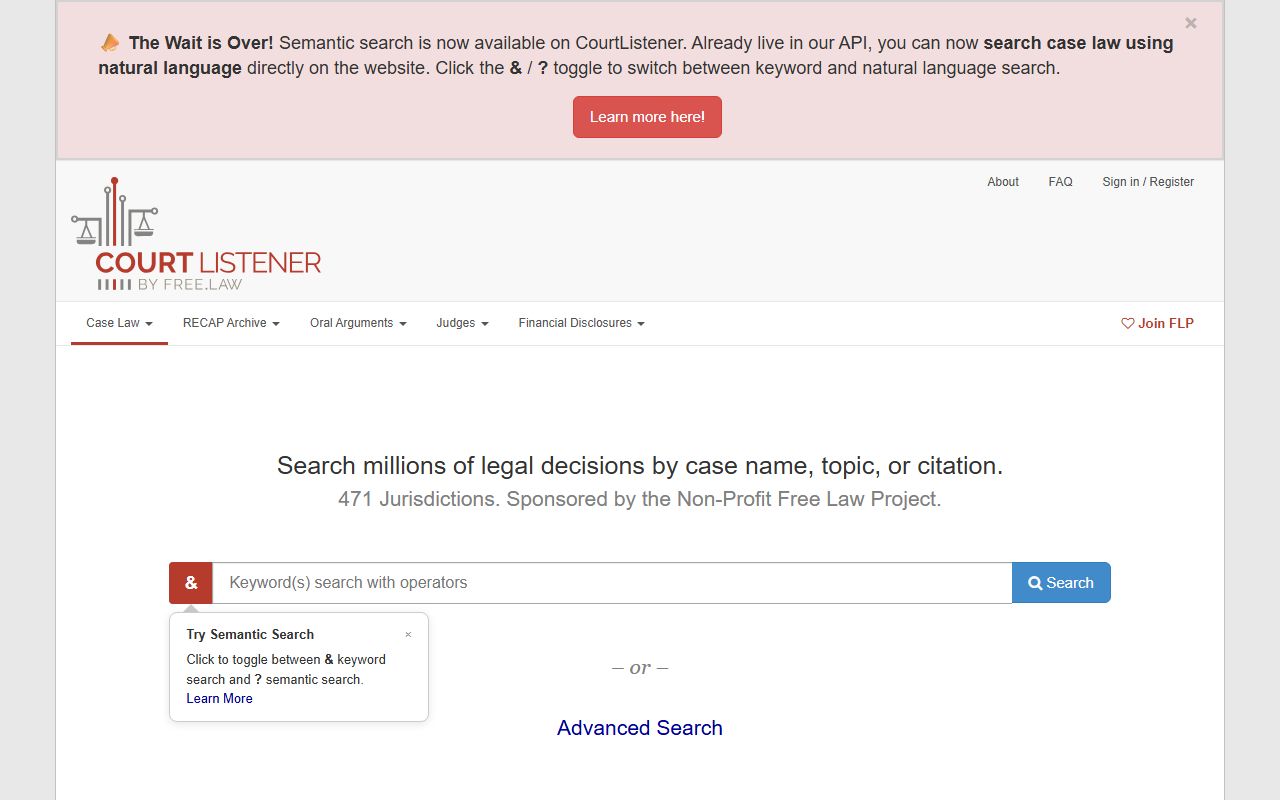
One free option for opinions and many dockets is a national legal research site run by a nonprofit.
CourtListener offers free access to court opinions and some docket data, drawn from federal and state sources.
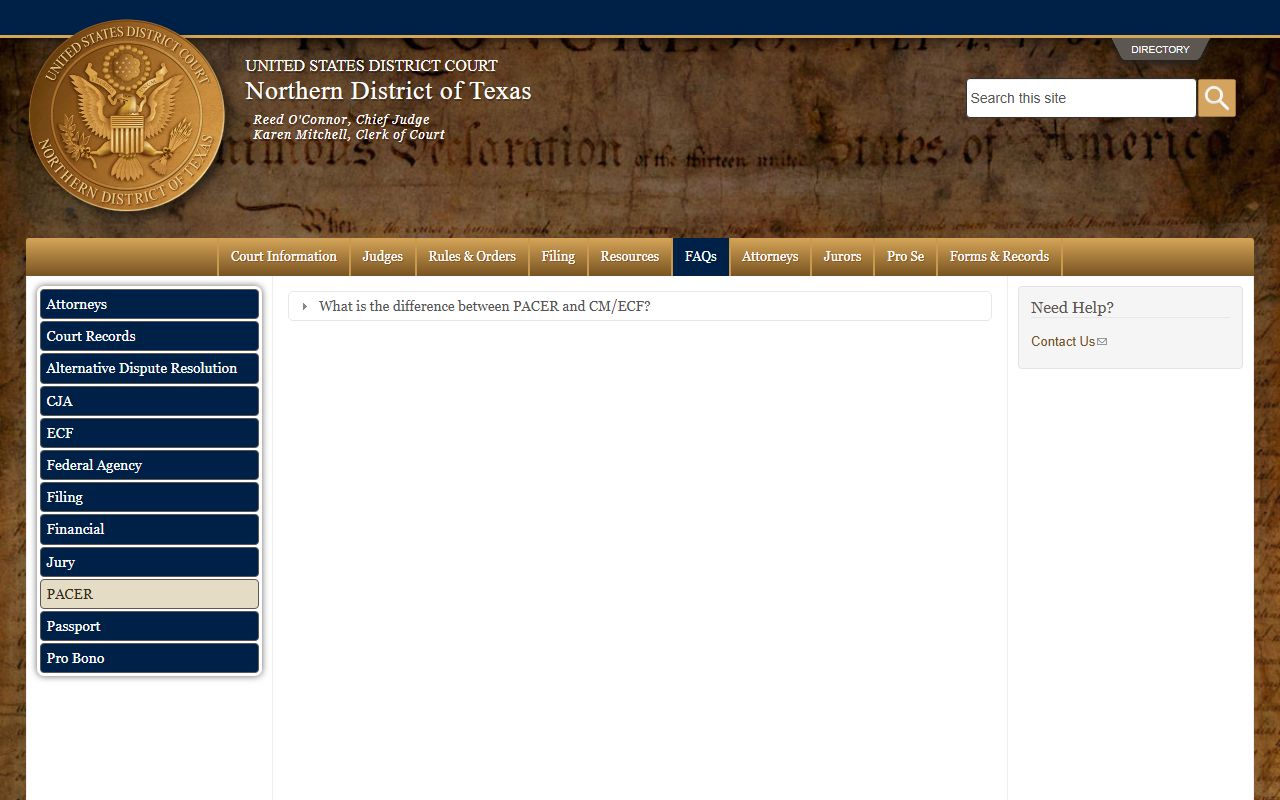
For official federal dockets, the national federal system is the authoritative source.
Federal cases use PACER, the federal court records and docket system, which charges per-page fees and needs an account.
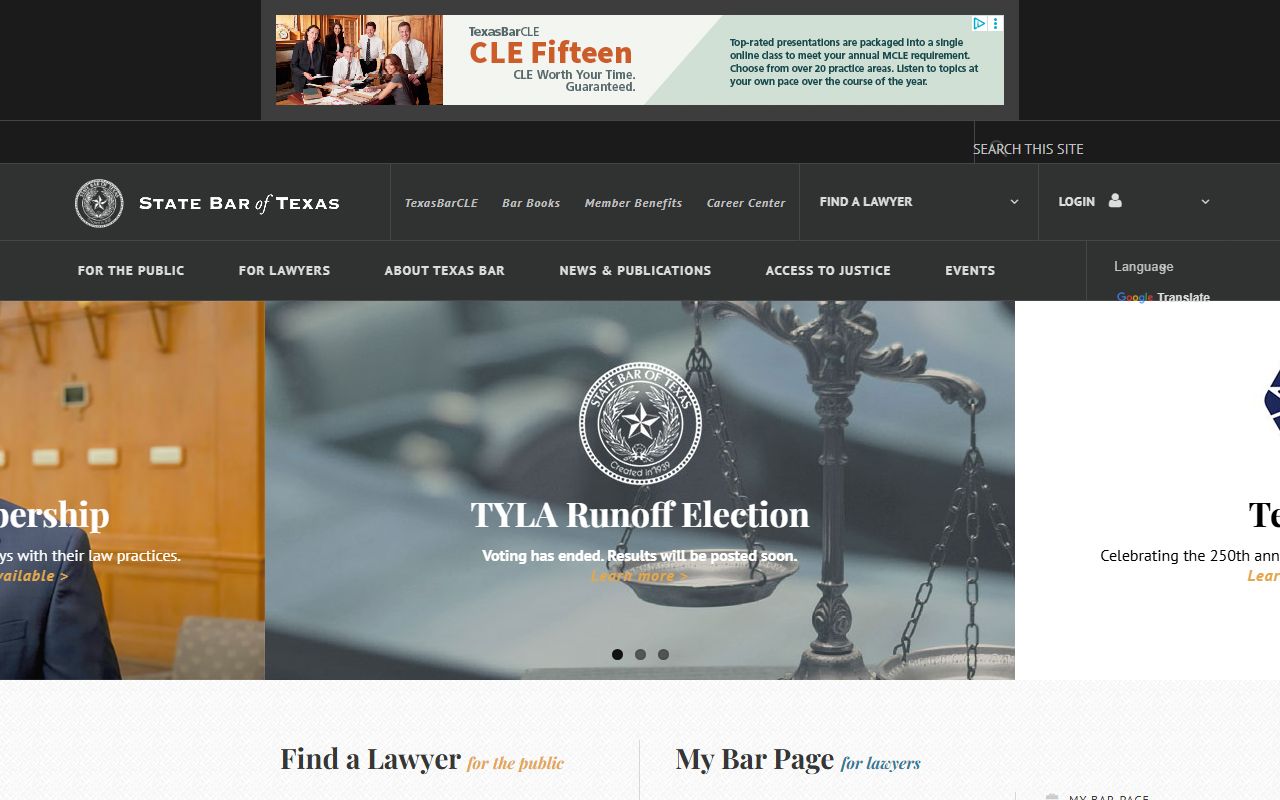
When a docket lists an attorney, you can confirm that lawyer's status with the state bar.
The State Bar of Texas hosts an attorney lookup that confirms license status and contact details for Texas lawyers.
Note: these outside tools do not show Bell County trial-court settings, so use the county Odyssey hearing search for local dockets.